Live TV
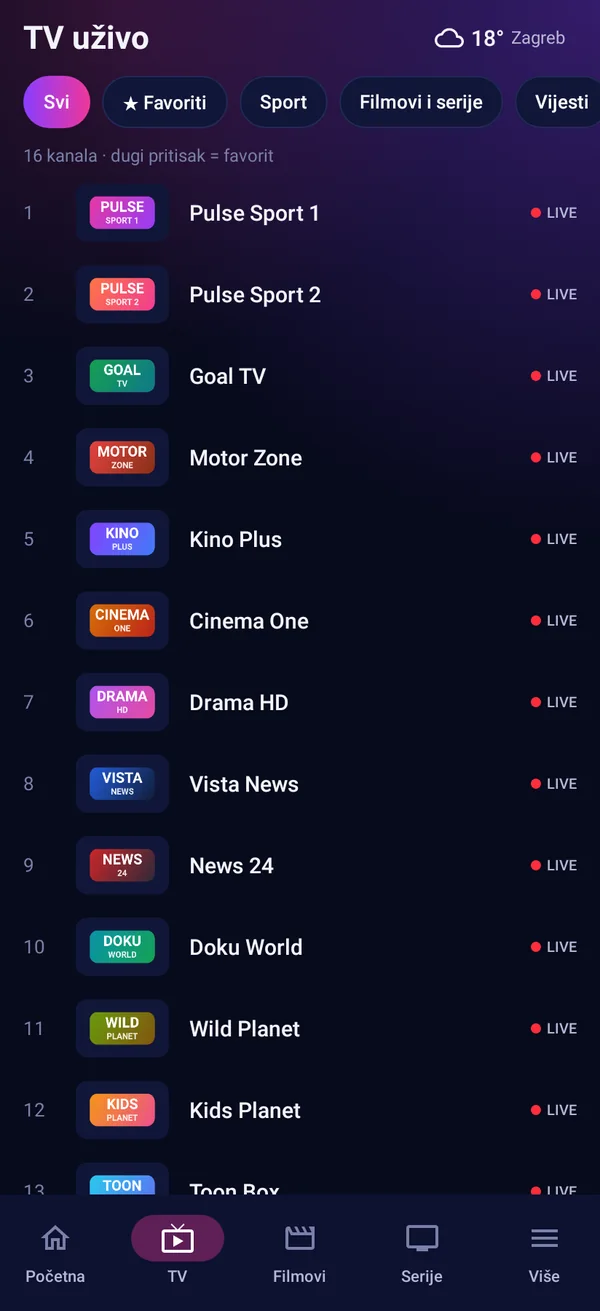
Channels by category with logos and what is on now. Up/down zaps, the channel list opens over the picture, and number keys jump straight to a channel.
XYZ Player turns the IPTV playlist you already have into a fast, modern TV experience: live TV with a programme guide, catch up, movies and series, a sports guide with live scores, radio and profiles for the whole family.
Player only. XYZ Player includes no channels, films or other content. You add your own playlist.
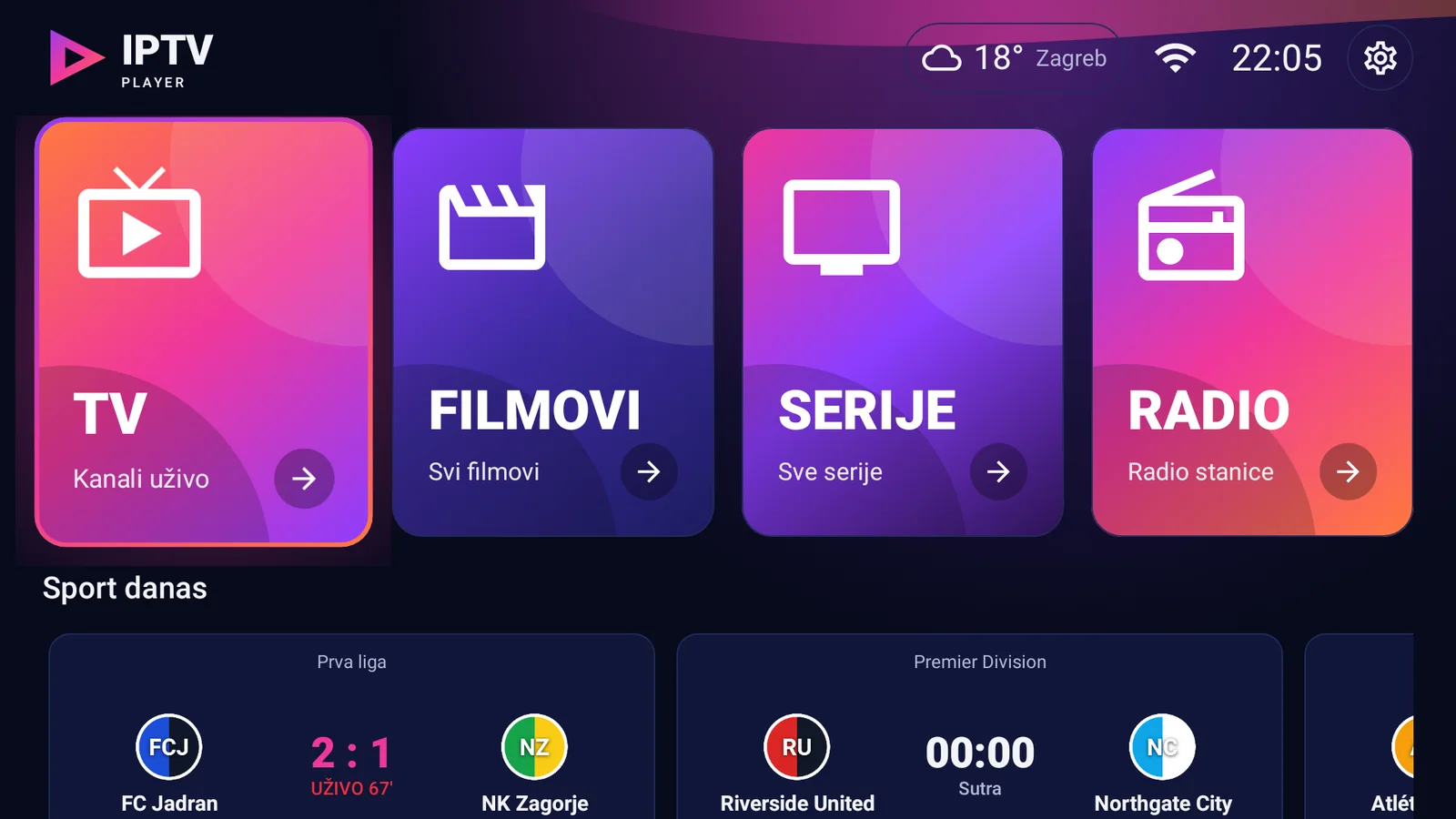
XYZ Player does not sell, provide or include any TV channels, films, series or other content, and has no content of its own. It plays a playlist that you add yourself: an Xtream Codes login or an M3U link from a service you already use. Only add playlists you have the right to watch.
Built for the remote and for touch. It starts fast, remembers where you were and keeps your settings in sync across your devices.
Channels by category with logos and what is on now. Up/down zaps, the channel list opens over the picture, and number keys jump straight to a channel.
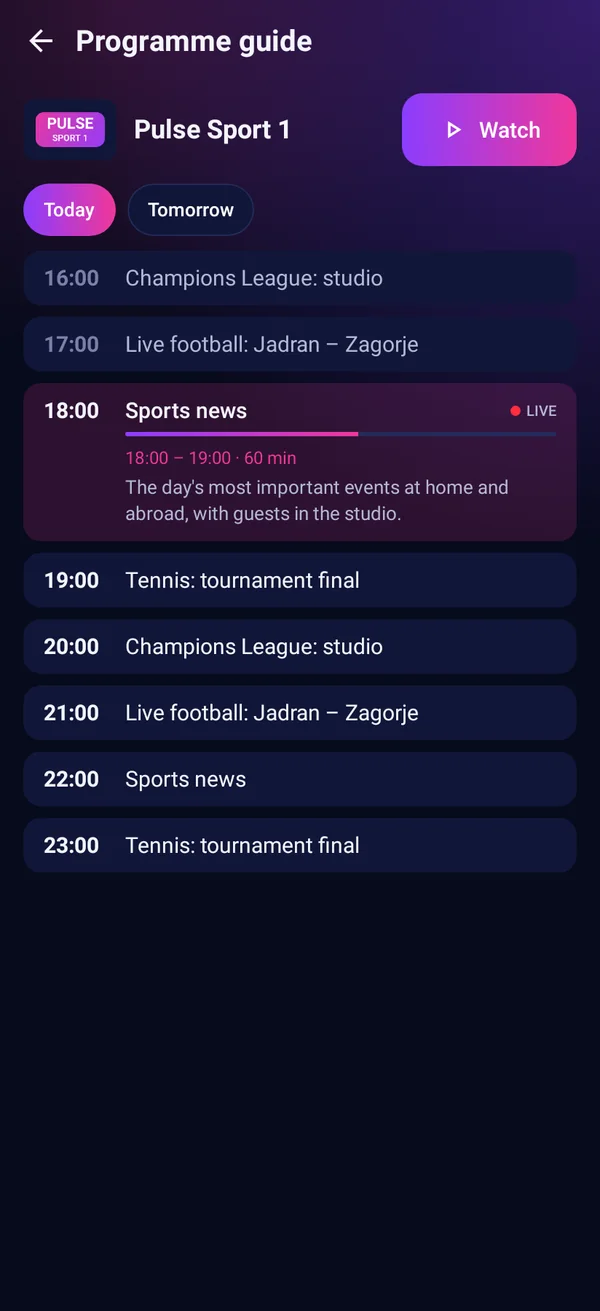
Today and the days ahead with show descriptions, stored on the device so it opens instantly. Channels without a guide can get one matched automatically.
Pick a show in the guide and get a reminder 5, 10 or 15 minutes before it starts, with one button to switch over.
Missed something? On channels that keep an archive, go back day by day, or search past shows by name.
Posters, ratings, plot and cast. Continue watching where you stopped, and the next episode starts by itself.
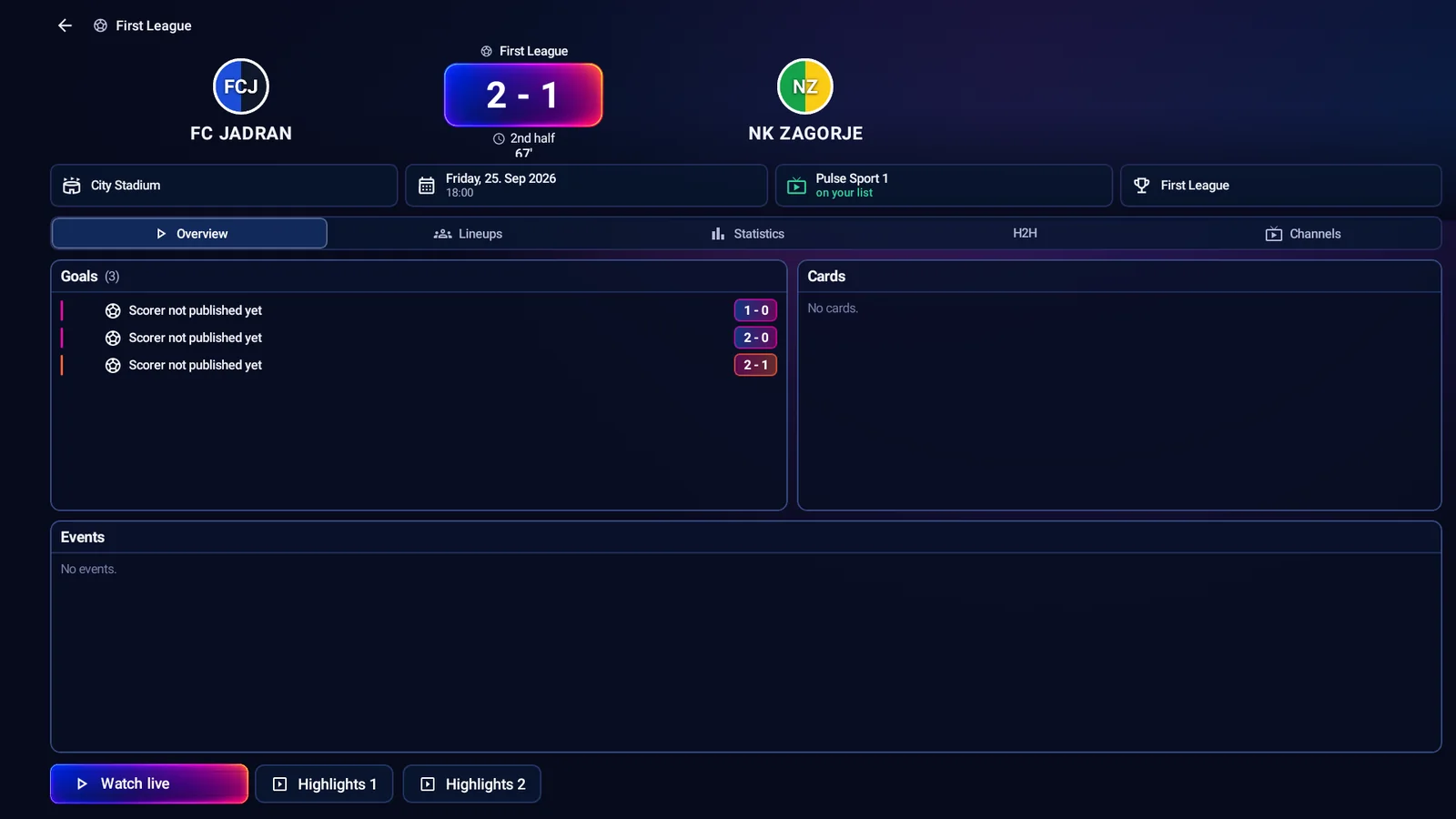
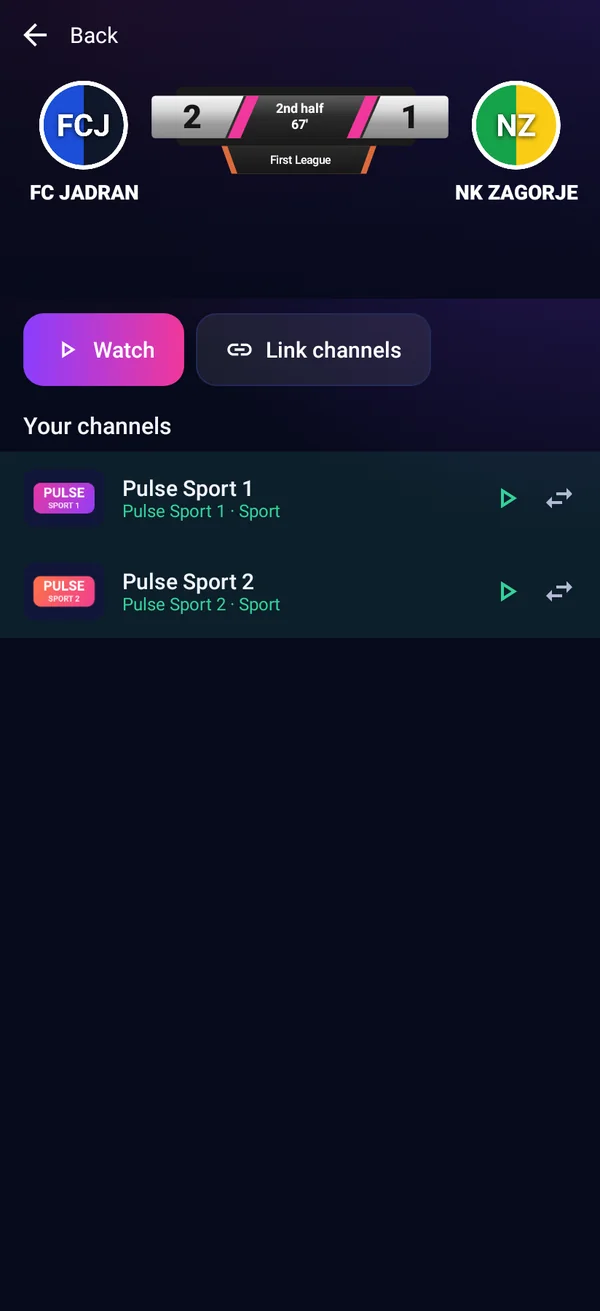
Fixtures and live scores, line-ups and stats, your teams first, results hidden if you are watching later, and the channels in your list that show the match.
Over 30,000 stations from around the world by country, with favourites and the song that is playing now.
A profile for everyone with its own favourites, theme and teams. Kids profiles start with every category hidden, and categories can be locked with a PIN.
Hide, rename and reorder categories and channels, create your own categories and set channel numbers for the remote, per profile, from your browser.
Keep more than one playlist on your account and switch between them in the app, on every device you sign in to.
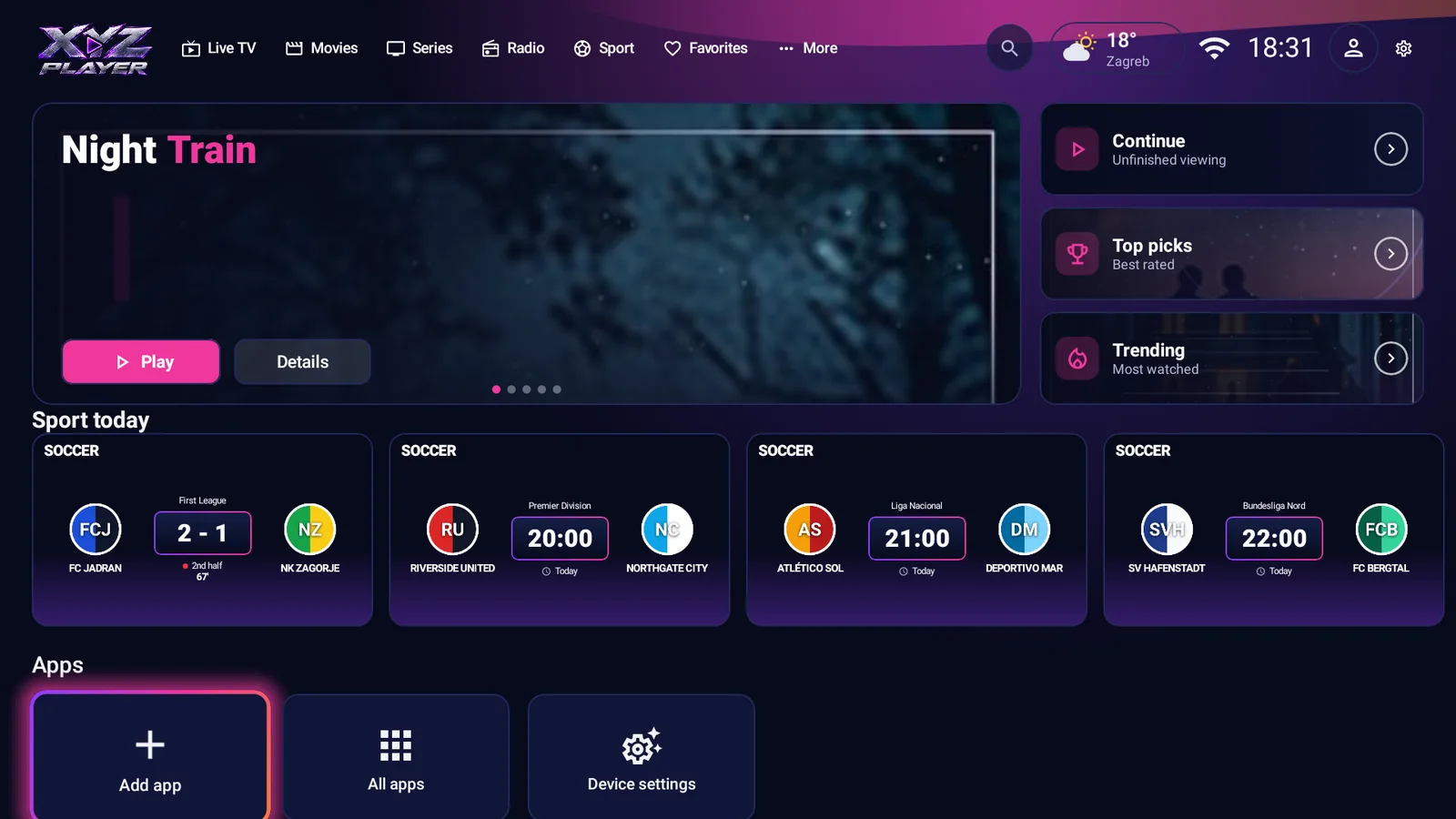
On Android TV, XYZ Player can be the home screen: TV straight away, with your chosen app shortcuts, all apps and device settings on the same screen.
Local weather with a 7-day forecast, a built-in internet speed test, 9 colour themes, a classic or modern layout, and 10 languages.
Everything opens with the arrow keys and OK. Large titles, clear cards and a focus you can always see, laid out to fit any TV, from a small box to a 4K screen.
The sports guide knows which TV stations show a match and looks for them in your own channel list.
Set XYZ Player as the home screen of your Android TV box and it opens with the TV instead of a wall of ads.
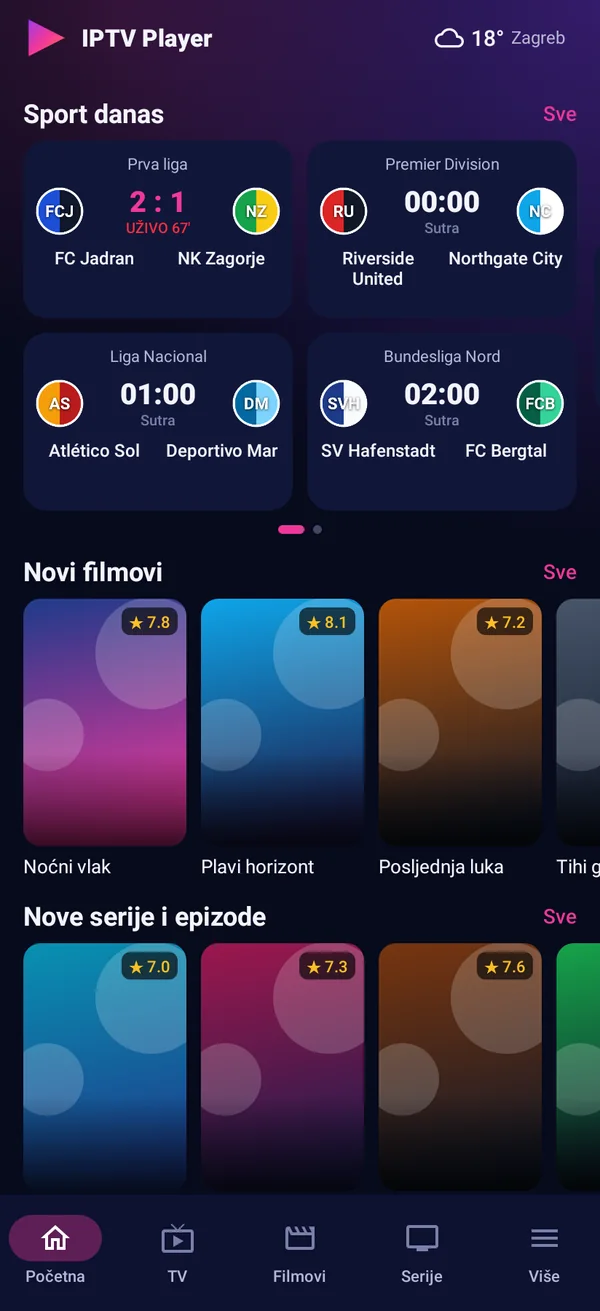
Everything the TV version has, made for touch, with a few extras for the phone.
Sign in with e-mail or Google. Your playlists, profiles, favourites and settings follow you to every TV and phone.
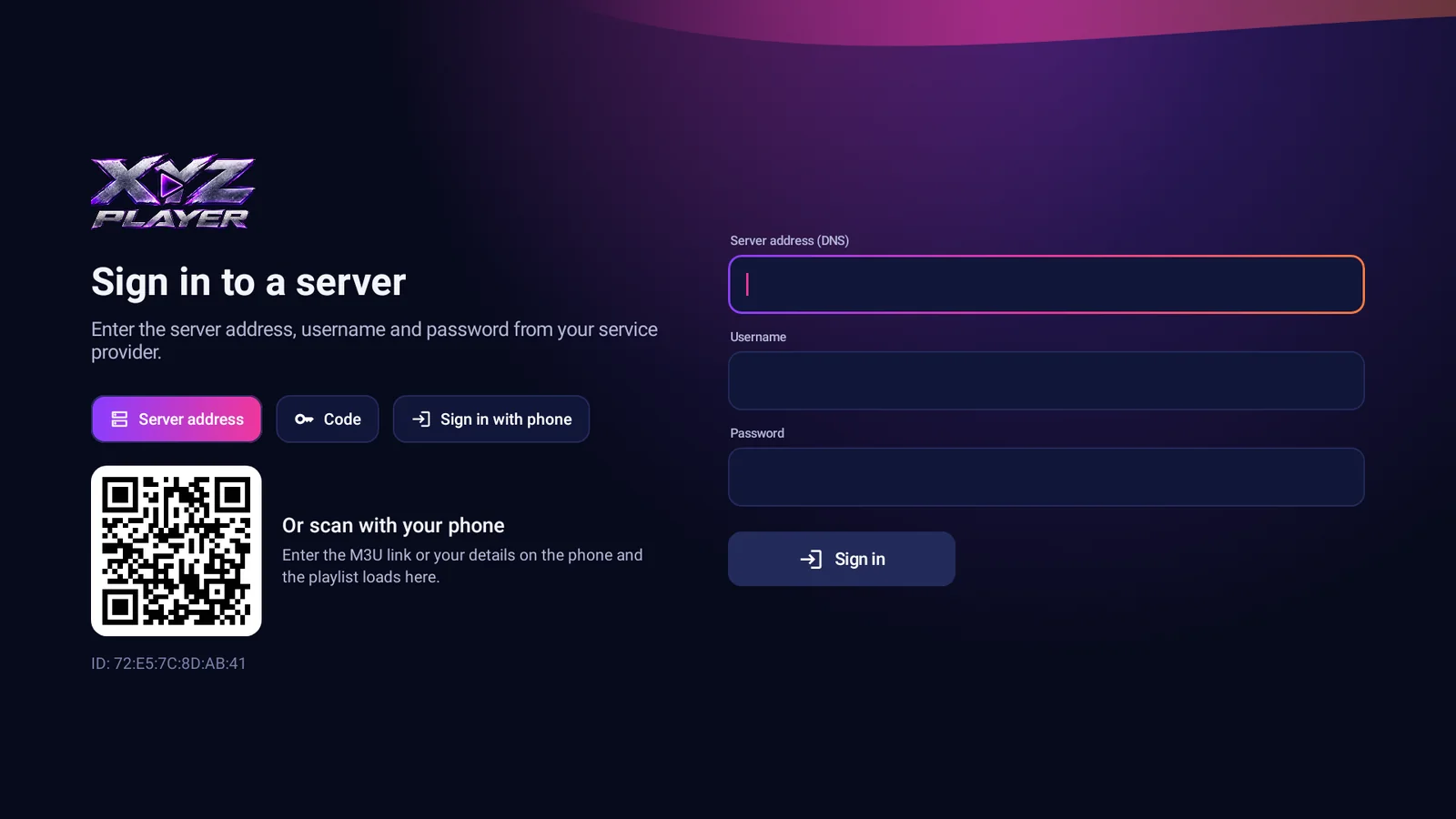
On your Android TV, Google TV box or Android phone.
With e-mail or Google. On a TV, scan the QR code and finish on your phone.
Enter your Xtream Codes details or an M3U link from a service you already have, and start watching.
No box? The XYZ Player app for Samsung (Tizen) and LG (webOS) smart TVs is on its way, with the same look and the same account.
Want to know when it is out? Leave us your e-mail.
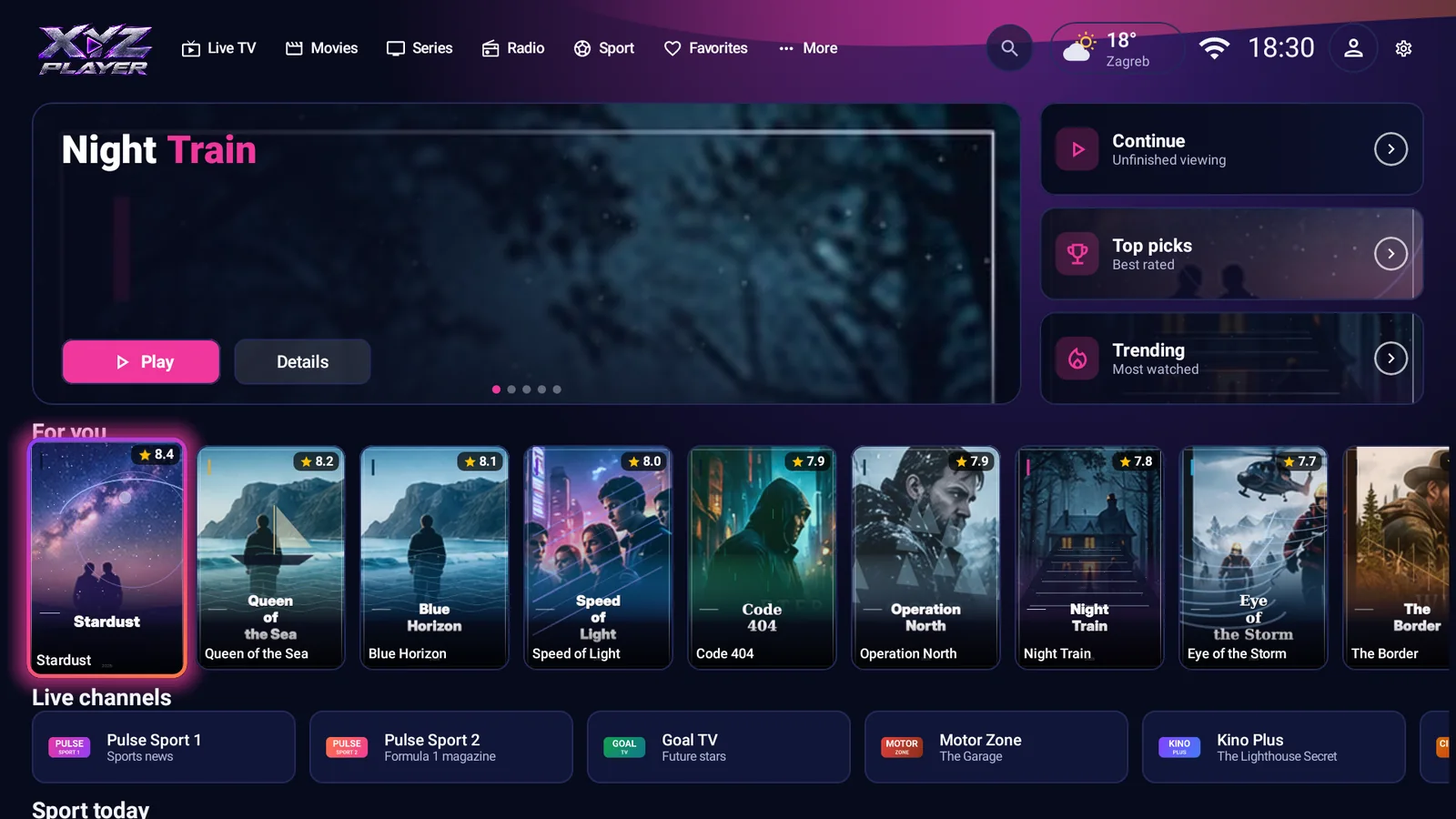
One app for Android TV, Google TV and Android phones. On a TV, search for “XYZ Player” in the Play Store.
No. XYZ Player is only a player. It contains no channels, films, series or other content, and we do not sell or recommend any. You add a playlist yourself, and you are responsible for having the right to watch it.
An XYZ Player account (free to create with e-mail or Google) and your own playlist: Xtream Codes details (server address, username and password) or an M3U link.
Android TV and Google TV (TVs and boxes) and Android phones. You can also cast to a Chromecast from the phone. Apps for Samsung and LG smart TVs are coming soon.
Yes. Create profiles for everyone in the household, each with its own favourites, colour theme, sports teams and list settings. Kids profiles hide everything until you choose to show it.
No. The app plays the streams straight from the address in your playlist. Our server only keeps your account, profiles and settings so they can follow you between devices.
Often, yes. XYZ Player can match channels without a guide to programme data by name, and in the web editor you can link a channel to its guide yourself.
Write to us and we will answer by e-mail. In the app you can also send a report under Settings.
We can't help with content: we have no channels to offer and can't fix a playlist that doesn't work.
Your details stay with us: used only to answer you (privacy policy).
In your language: the app speaks 10 languages, and we answer in English.